
Help Center
How can we help?
Browse answers or search for what you need.
Getting started
What is Senchou?
Senchou is an app for local amateur esports athletes. It lets you score your local esports matches, register your own team, search for players and teams, find tournaments around you, analyse your performance and share your achievements.
In one line: Senchou is your new gaming network.
Why did you build Senchou?
We’re local amateur gamers too. Our daily scrims and tournaments always ended in passionate debates about who really played better.
In gaming, stats are everything, and without them most of those debates are just talk. People remember a lot of stats, but nobody can remember them all. We realised this was a problem for almost every gamer like us, and that’s how Senchou started.
Why should I use Senchou?
Use Senchou to keep a permanent record of your scrim and tournament performances, analyse your stats to improve, find local teams, orgs and players, and get recognised for your talent.
Which devices can I use Senchou on?
Senchou is available for Android on Google Play and for iPhone on the App Store.
Which games does Senchou support?
Senchou covers popular esports titles across tactical shooters, MOBAs, sports simulators and fighting games, such as Counter-Strike, PUBG, League of Legends, Dota, FIFA, NBA, Street Fighter and Mortal Kombat.
See Games included for the full list. Want a game we don’t cover yet? You can request it on that page.
Teams
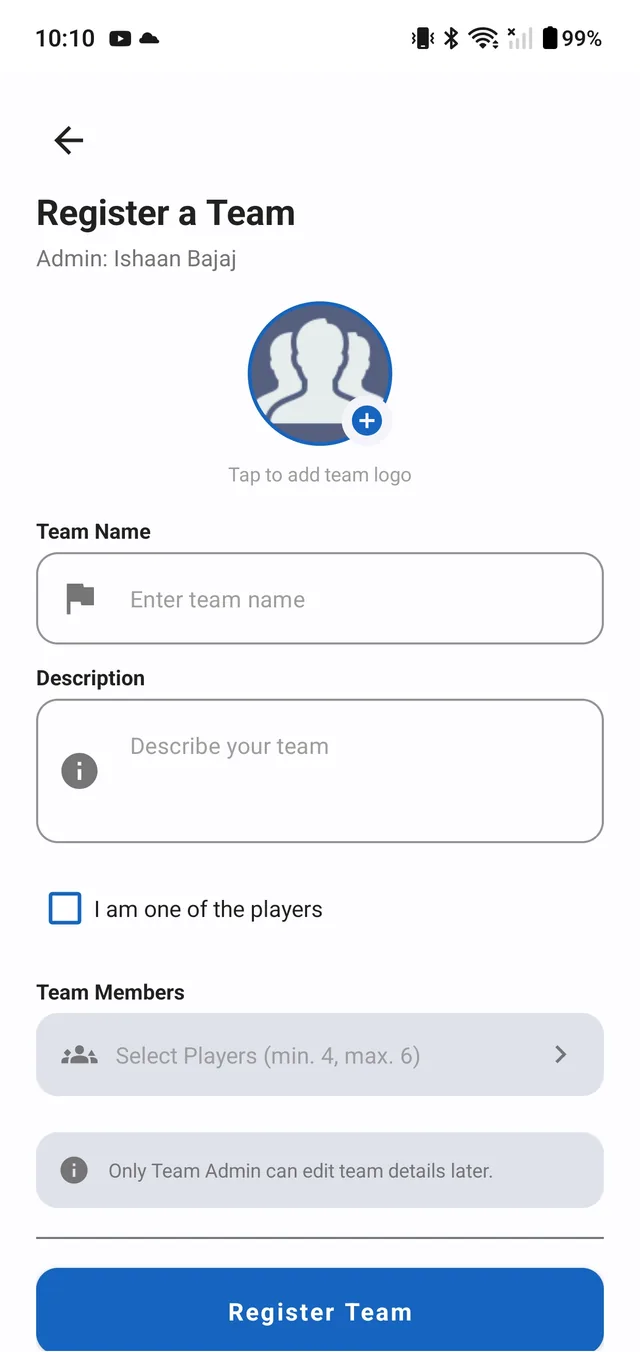
How do I register my team?
- Open the side menu and tap Register my Team.
- Enter your team name and description. Adding a logo is optional.
- Add your players, then tap Register Team.
Team names are unique, so book yours before someone else takes it.
How many players can a team have?
A team needs at least 4 and at most 6 players. If you’re playing too, tick I am one of the players when you register the team.
Who can edit a team’s details?
Only the team admin can edit a team’s details after it’s been registered. The person who registers the team is its admin.
Scoring matches
Who can score a match?
Only organisers who have registered as an org can score matches. Player accounts can’t register as an org.
How do I score a scrim or tournament match?
- Open the side menu and choose Start a match.
- Select the teams that are playing.
- Start scoring. The result is saved when the match ends.
We’re always improving this flow, so the steps may change a little, but they’ll stay simple.
Why can’t I find a team when I start a match?
Only registered teams appear when you pick teams for a match. Make sure every team is registered on Senchou before the match starts.
Which match types can I score?
You can score 1v1 matches and class matches, for both scrims and tournaments.
Account and privacy
How do I delete my account?
- Go to My Account in the side menu of the app.
- Scroll down and tap Delete Account Permanently.
- Tap Yes to confirm. You’ll be logged out and your account will be deleted.
Deleting your account permanently removes your profile and stats, team memberships and history, and match records. This can’t be undone. More about deleting your account.
How does Senchou use my data?
Our Privacy Policy explains what we collect, why, and how we look after it.
How do I report a problem or send feedback?
Email us at ned.esports@gmail.com with what happened and, if you can, a screenshot. You can also reach us from the contact page.
No answers match your search. Try a different word, or email us.
The scoreboard doesn’t stop here.
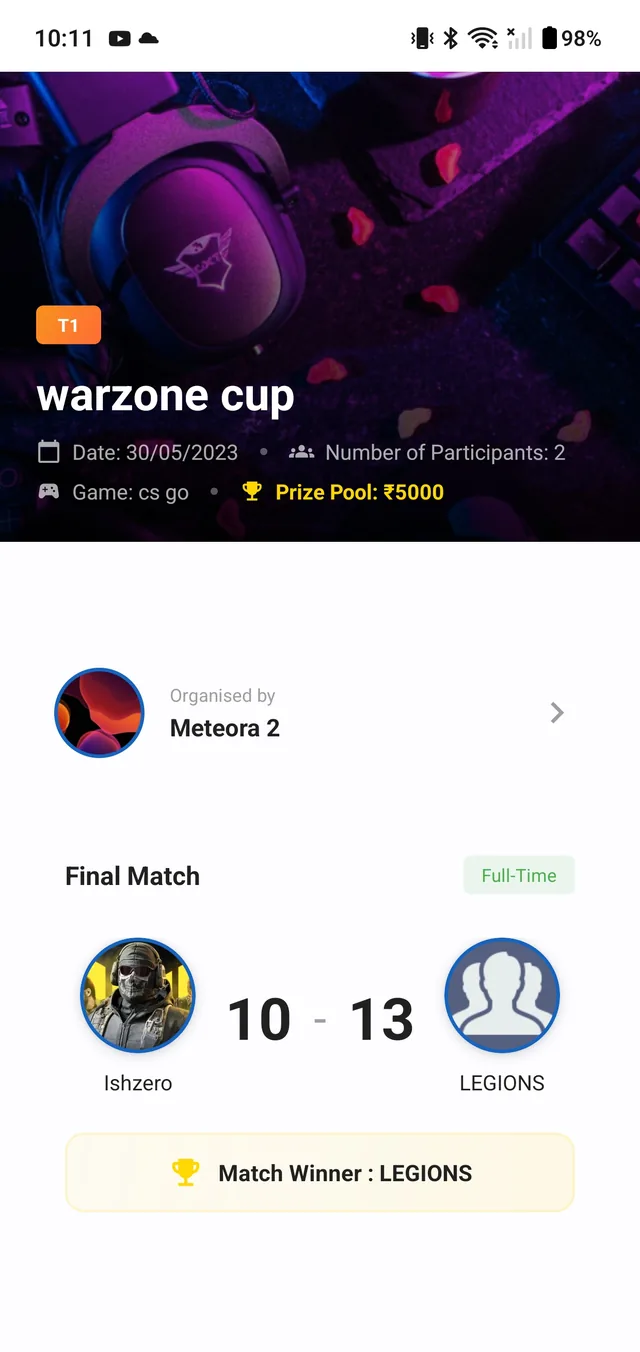
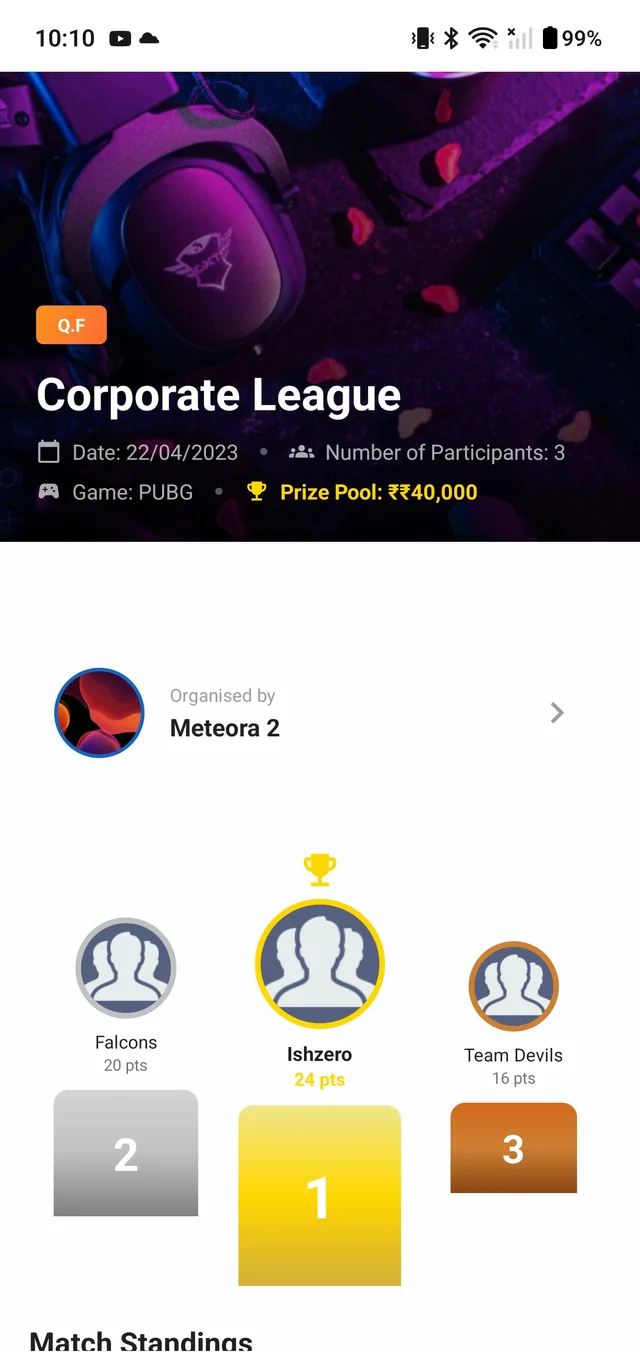
Who won the last scrim? Who topped the table? Get the answers in the app, for every match you play.